CaseCobra
Custom iPhone cases, made by you: upload a photo, design the case around it, and order it.
- Role
- Solo Developer
- Year
- 2025
- Type
- E-Commerce Platform
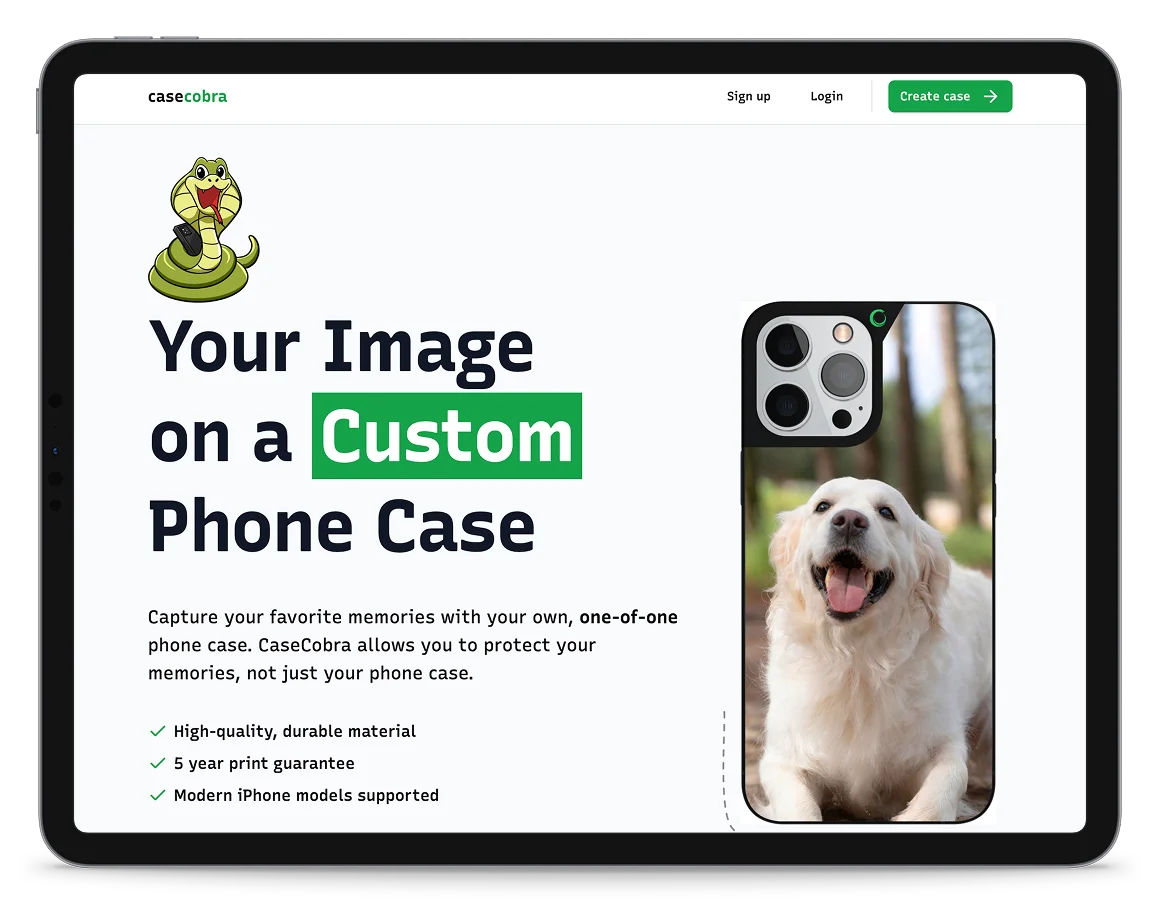
Project overview.
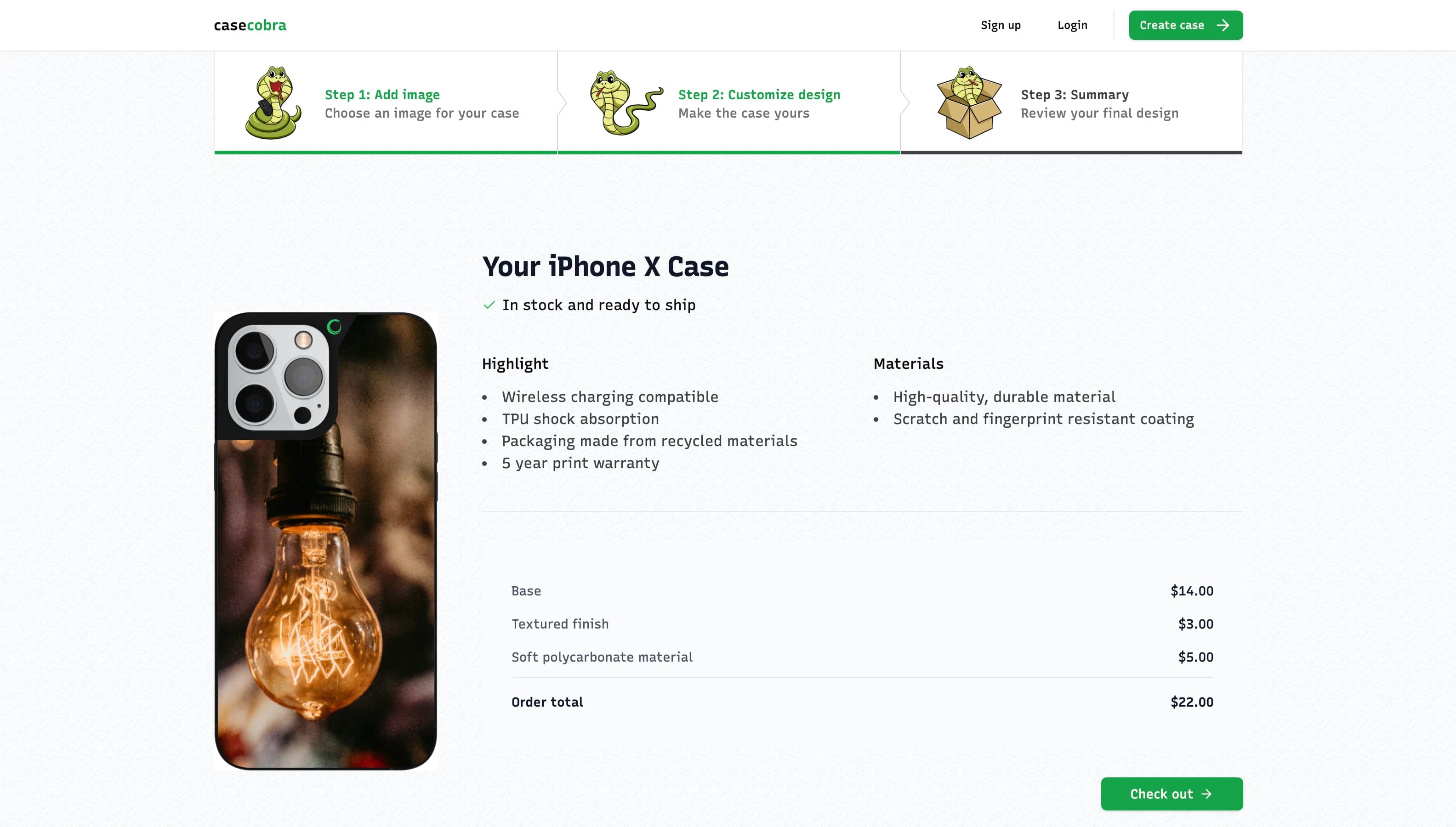
CaseCobra is a full-stack storefront for one product made a thousand ways. You upload a photo, position it on a virtual case, pick the model, colour, material and finish, watch the price move as you go, and check out through Stripe.
Behind that sits the rest of a real shop: sign-in, file uploads and image processing, an order that only becomes real when Stripe says it has been paid, and an admin dashboard tracking what has come in against a revenue goal.
Key features.
Everything between opening the site and an order landing in the dashboard.
- Custom design
Upload, resize, and position your photo on a virtual case.
- Multiple options
Choose the model, colour, material, and finish.
- Live pricing
The total updates as the options change.
- Secure payments
Stripe Checkout, with the order confirmed by webhook.
- User authentication
Sign-in and user data handled by Kinde.
- Admin dashboard
View orders, update status, and track revenue against goal.
The tech stack.
A modern stack for a modern e-commerce application and rather a lot of it, because a shop needs more moving parts than it looks like from the front.
- Next.js 14
- React 18
- TypeScript
- Tailwind CSS
- shadcn/ui
- Prisma
- PostgreSQL
- Kinde
- UploadThing
- Stripe
- Resend
- TanStack Query
- Sharp
- React RND
- Framer Motion
Key pages.
The customer flow, and what sits behind it.
- 01Landing pageThe pitch, and one button into the configurator.
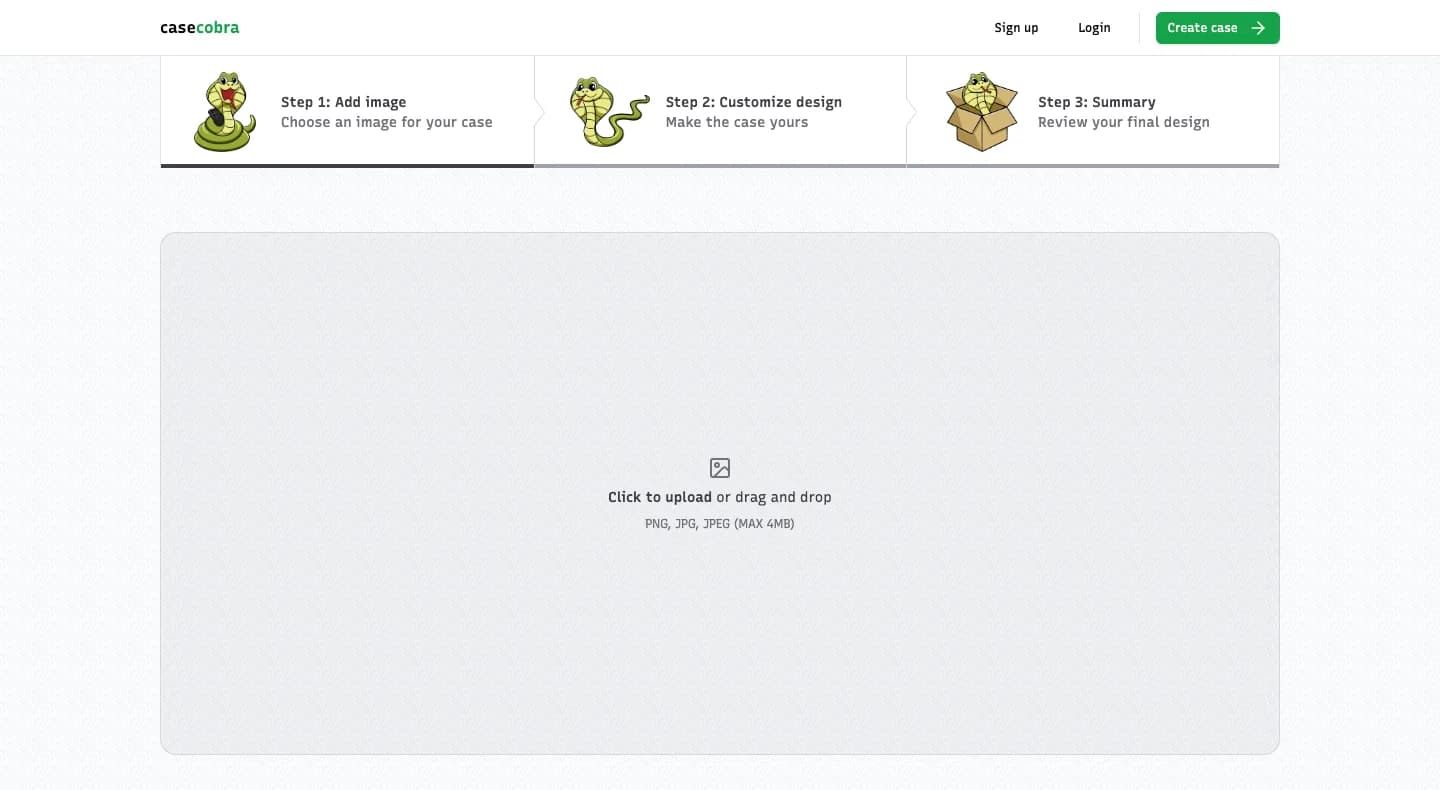
- 02Upload photoDrop an image to start; UploadThing takes it from there.
- 03Design your caseDrag and resize the photo, then choose how the case is made.
- 04CheckoutSign in, review the case, and pay through Stripe.
- 05Admin dashboardOrders as they land, revenue against goal, status updates.
What I learned.
CaseCobra was where I learned what it takes to put several real services behind one screen and still have the thing feel simple to use.
- Building a full-stack e-commerce application from scratch
- Integrating Stripe payments and handling the webhooks that confirm them
- Working with authentication and user data through Kinde
- Handling file uploads and server-side image processing
- Designing a multi-step flow that prices itself as you change it
- Building an admin dashboard for order management
- Improving the interface with modern components and animation
Live project.
CaseCobra is deployed on Vercel and fully working. You can run the whole thing yourself, from designing a case to placing a test order.